
SingTuner
FREE · NO ACCOUNT · NO TRACKING

The tuner
built for singers.

Real-time vocal pitch on iPhone, iPad, and Apple Watch. Designed by a vocal student, for vocal students and their teachers.

Download on the App Store Google Play · Coming soon

Free — iPhone, iPad, Apple Watch · Android soon

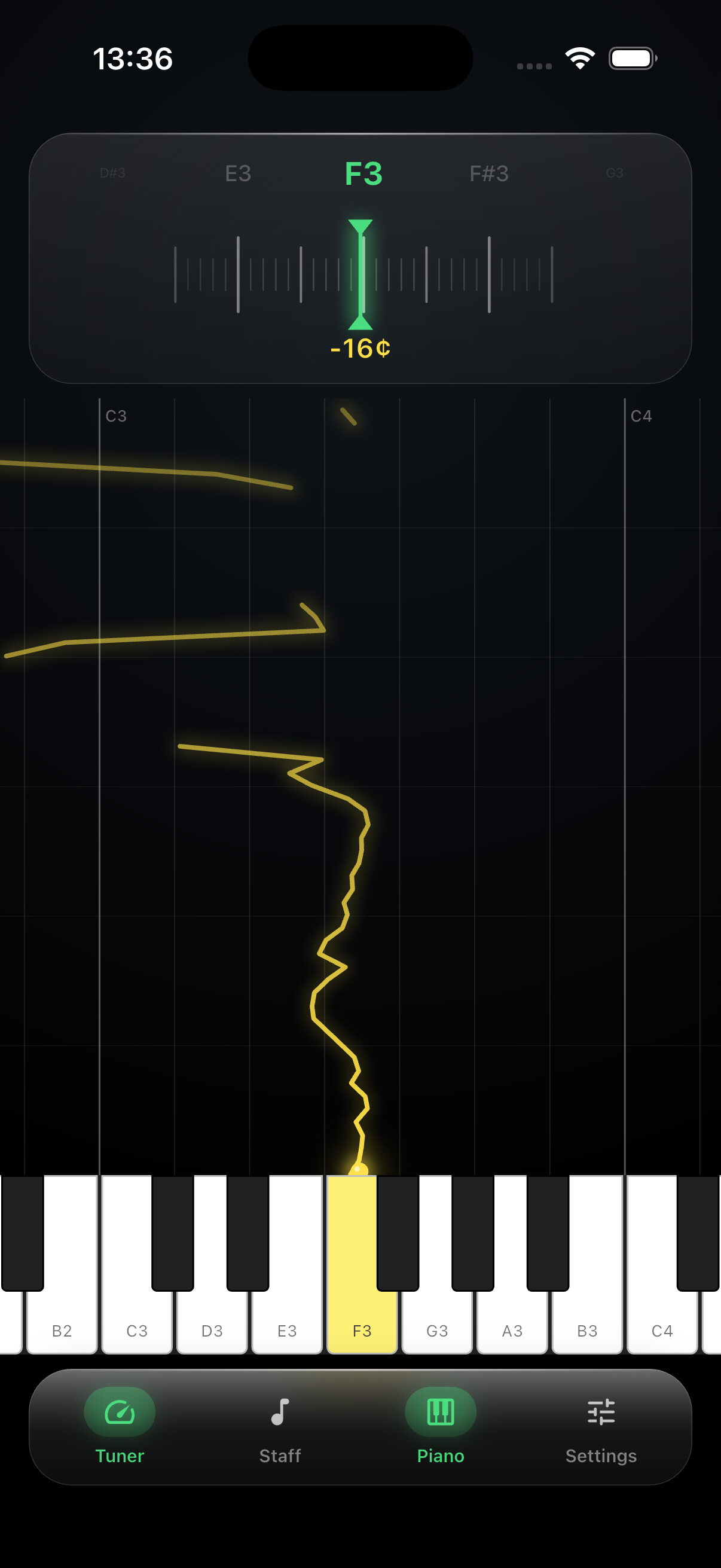
SingTuner tuner view with piano and pitch trace
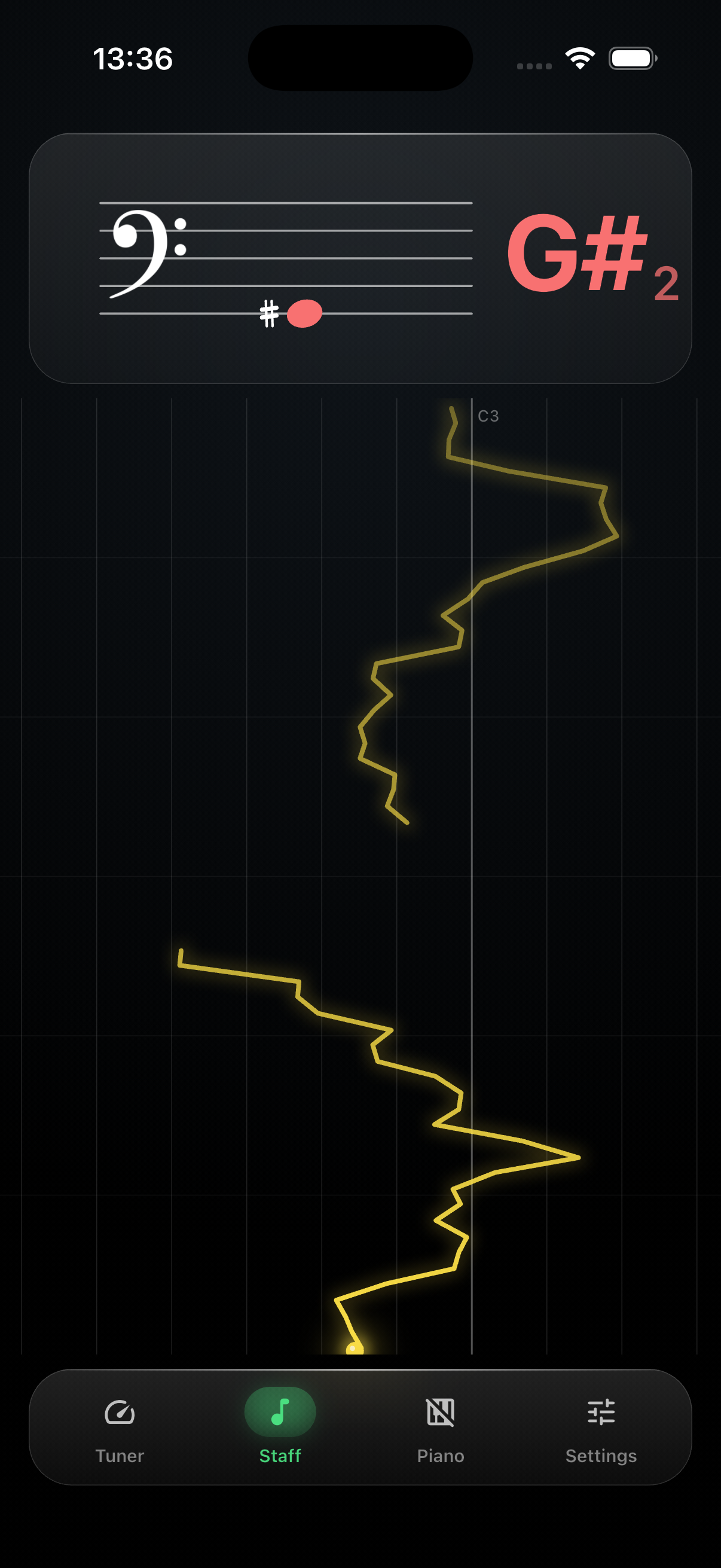
SingTuner staff notation view
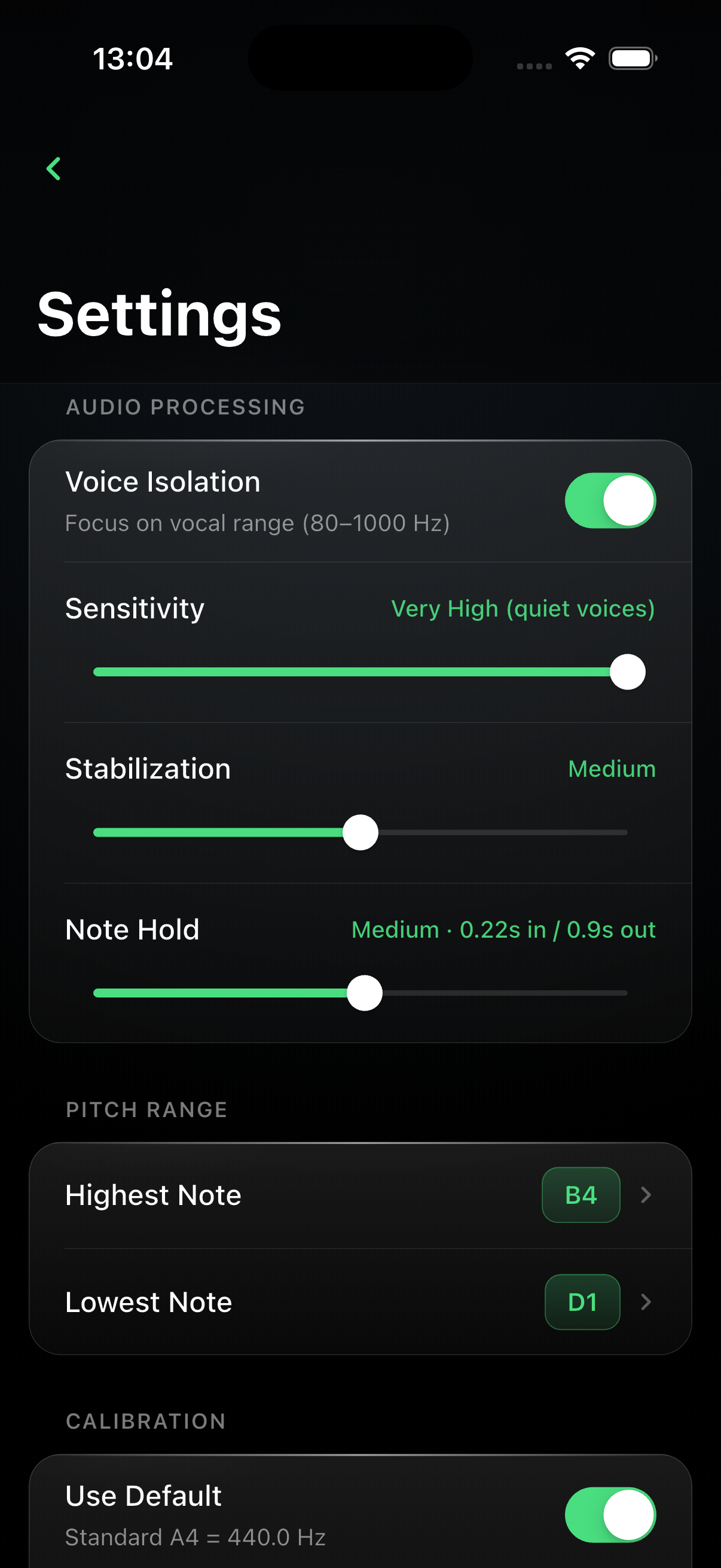
SingTuner settings screen
Real‑time pitch detection
On‑device privacy
Designed for vocal practice
Tuner · Staff · Piano
Apple Watch companion
Completely free
Real‑time pitch detection
On‑device privacy
Designed for vocal practice
Tuner · Staff · Piano
Apple Watch companion
Completely free

What it does

Everything a singer needs.
Nothing they don't.

Live tuner scale

Notes slide under a fixed indicator with spring‑physics motion. See the cents, feel the pitch.

Musical staff

Treble / bass clef auto‑switch. Huge right‑side note letter for glanceable reading across the room.

Piano reference

Interactive keyboard with scrolling, pinch‑to‑zoom, and a vertical pitch trace anchored to the keys.

Apple Watch app

Standalone. Raise your wrist, see the note. No iPhone or internet required.

Truly on‑device

No recordings. No servers. No analytics. The microphone works for you, not for anyone else.

Tuned to you

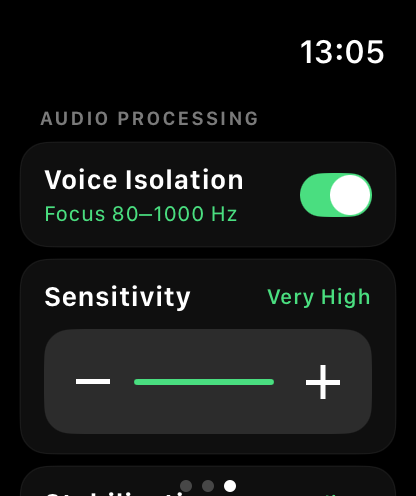
Adjust sensitivity, stabilization, note‑hold, pitch range, and A4 calibration (432–446 Hz).

Apple Watch

A tuner on your wrist.
No phone required.

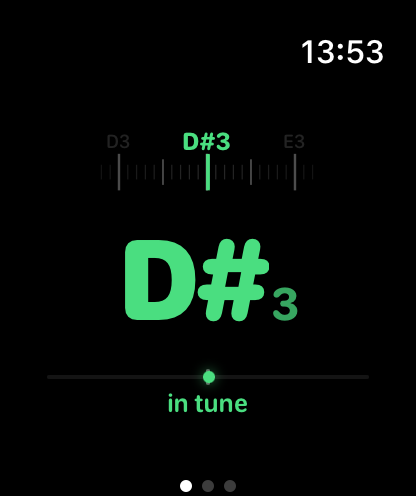
Standalone watchOS app with the same pitch engine. Glance mid‑phrase, see the note, stay in the moment.

  • Sliding note scale with cents indicator
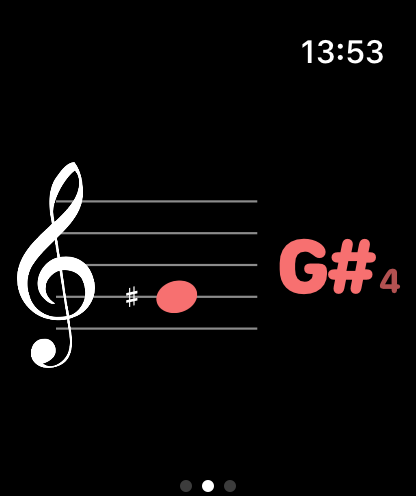
  • Staff notation with auto clef
  • Independent mic + audio engine
  • Auto‑sleep when you lower your wrist
SingTuner Watch tuner — D#3 in tune
SingTuner Watch staff view — G#4
SingTuner Watch settings

Who it's for

Built for the lesson, the rehearsal, the shower.

For vocal teachers

  • Instant visual feedback during a lesson — your student sees what "on pitch" actually feels like.
  • Pick the right view for the drill — tuner for pitch, staff for reading, piano for intervals.
  • Configurable note range and A4 calibration for Baroque, concert, or custom tunings.
  • No sign‑in. Hand the phone to a student without a second thought.

For vocal students

  • See the note you're actually singing — not what you think you're singing.
  • Practice scales against the piano trace; watch the line land on the right key.
  • Note Hold keeps the display stable so you can focus on the feeling of the note.
  • Apple Watch mode for on‑the‑go warm‑ups, walk‑commuting, or between classes.

The story

Made in a vocal studio,
not in a boardroom.

"I'd been taking vocal lessons for months and could never tell if I was actually hitting the note my teacher was pointing at. The tuners I tried were built for guitars — too much noise, too little feedback. So I built SingTuner for myself."

It started as a weekend project — just the cents meter and a big colored letter. Then I wanted a piano reference. Then my wrist got tired holding the phone, so I made the Apple Watch app. Then my teacher borrowed my phone mid‑lesson and said "can you make the note bigger?" — so the note got bigger.

SingTuner grew lesson by lesson, request by request. Every control you see comes from a moment where I, or someone I trusted, needed it. It's a small app, on purpose. It does one thing — tells you what you're singing — and tries to do it beautifully.

It's free because I've benefited from free teaching materials my whole life and I want to pay some of that back. No ads, no subscription, no upsell. If it helps you hear yourself a little better, that's the whole business model.

V
Vitalijs Svidko
Developer & vocal student · BRANDO.PRO SIA

FAQ

Short answers.

Is SingTuner really free?
Yes. No ads, no subscriptions, no pro‑tier. Download and use every feature.
Does it send my voice anywhere?
No. Audio is analysed on your device in real time and discarded. No network calls, no analytics, no storage. See the privacy policy.
What devices are supported?
iPhone and iPad running iOS 14+, and Apple Watch running watchOS 11+.
Can I use it with choirs or ensembles?
SingTuner is a mono pitch detector — it works best with a single voice at a time. For section work, place the device close to the singer being coached.
Can I tune to 432 Hz or other pitches?
Yes — turn off "Use Default" in Calibration and set A4 anywhere from 432 Hz to 446 Hz in 0.1 Hz steps.
How do I get support?
Email [email protected] — replies come from a real human.
ALWAYS FREE

Start singing in tune.

Download SingTuner for iPhone, iPad and Apple Watch. No account, no ads, no tracking — just pitch.

Download on the App Store Google Play · Coming soon

iPhone / iPad / Apple Watch — Android coming shortly.